Using React Native for IoT: Building Mobile Apps for Smart Devices
With the rise of smart devices ranging from home automation systems to wearable technology, the need for intuitive mobile applications to control these devices has never been greater.
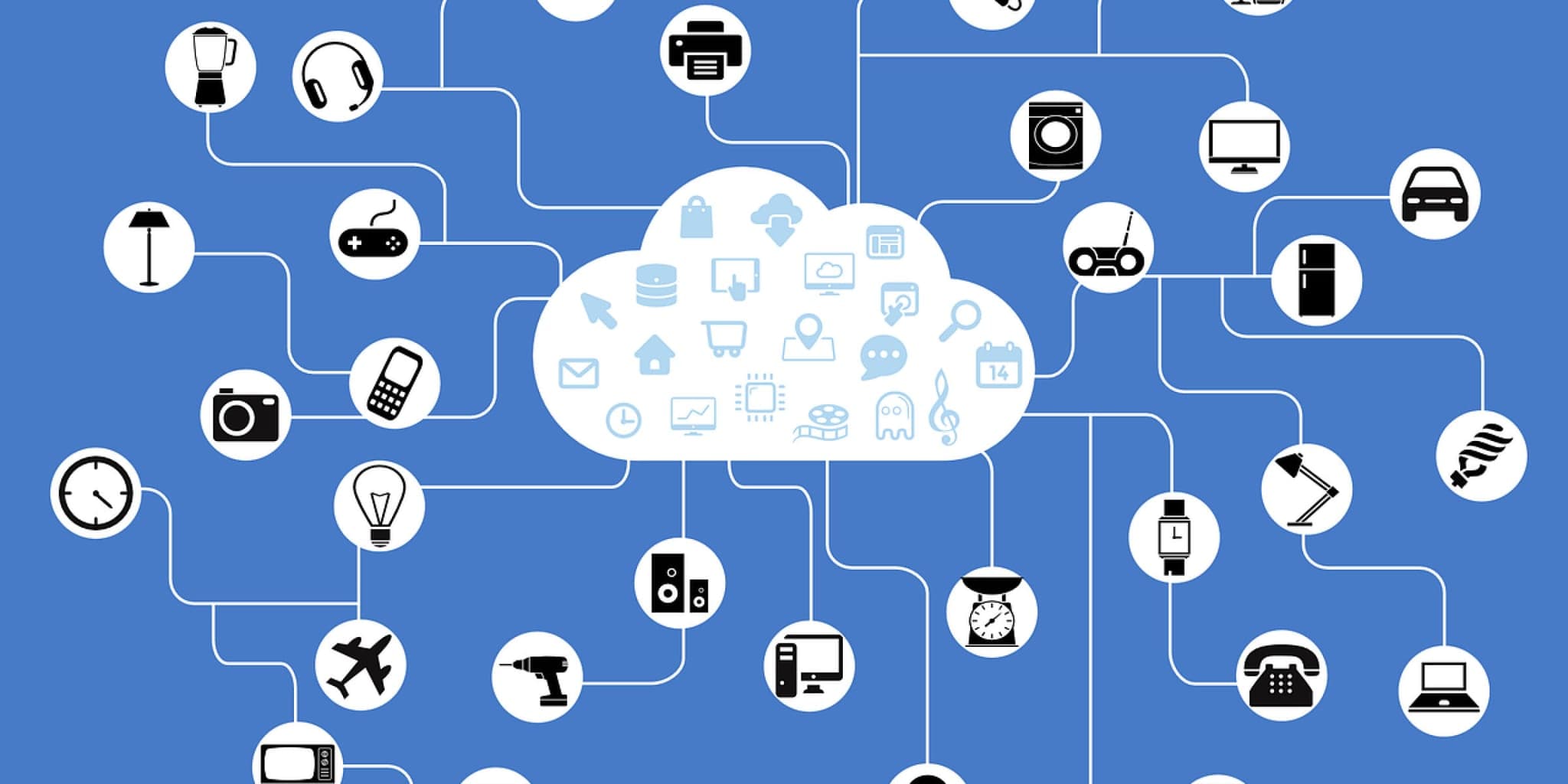
Smart devices are everywhere: home automation systems, wearables, industrial sensors. Users expect polished mobile apps to control them. React Native is a strong fit for this work, offering one codebase, two platforms, and near-native performance. This post walks through how to use React Native to build mobile apps for IoT devices, from initial setup to deployment.
Why Choose React Native for IoT?
Cross-Platform Compatibility
One of the main advantages of React Native is its ability to create applications that run across iOS and Android from a single codebase. Your IoT app reaches a broader audience without the overhead of maintaining two separate projects.
Faster Development
By sharing a single codebase across both platforms, React Native cuts development time significantly. Write once, deploy to both iOS and Android. That shortens the development cycle and gets IoT applications to market faster.
Native Performance
React Native renders components through native APIs, not a webview, so the JavaScript runtime doesn't become a ceiling on performance. In practice, IoT apps feel snappy even under real-time sensor data loads. That matters when a user is toggling a thermostat or watching live device telemetry.
Getting Started with React Native for IoT
Setting Up Your Development Environment
Before starting development, make sure you have Node.js and npm installed on your system. You'll also need to set up React Native CLI for creating and managing React Native projects. Consider installing any necessary dependencies for communicating with IoT devices, such as Bluetooth or Wi-Fi libraries.
Creating a New React Native Project
Initialize a new React Native project using the react-native init command. This will generate the necessary project structure and files to get started. Next, install any required dependencies for your IoT app, such as networking libraries or communication protocols.
Designing the User Interface
Design an intuitive user interface for your IoT app using React Native's component-based architecture. IoT devices have specific UI demands: real-time data updates, device status indicators, and controls that reflect the current state of hardware. Use React Native's built-in components and third-party libraries to build a functional, visually clear UI.
Integrating IoT Functionality
Connecting to IoT Devices
Implement the necessary logic for connecting to and communicating with IoT devices from within your React Native app. Depending on the type of devices you're working with, this may involve establishing Bluetooth or Wi-Fi connections, sending commands, and receiving data updates.
Handling Device Events
React Native provides APIs for handling device events (connectivity changes, sensor data updates, and more). Use these APIs to keep the app's UI current based on the status of connected IoT devices or incoming data streams.
Implementing Device Controls
Design intuitive controls within your app for interacting with IoT devices, such as toggles, sliders, or buttons. Map these controls to specific actions or commands that are sent to the connected devices, allowing users to remotely manage and control their smart devices from the mobile app.
Testing and Deployment
Testing Your IoT App
Thoroughly test your React Native IoT app across different devices and platforms to ensure compatibility and reliability. Perform unit tests to validate individual components and integration tests to verify the functionality of device communication and control features.
Deploying to App Stores
Once testing is complete, prepare your app for deployment to app stores such as the Apple App Store and Google Play Store. Follow the respective guidelines and requirements for app submission, including providing necessary documentation and ensuring compliance with platform-specific policies.
Conclusion
React Native gives developers a practical path to building feature-rich mobile apps for IoT devices. The cross-platform model works well here — most IoT users are split between iOS and Android, and maintaining separate native apps for both is expensive. Once you've got BLE or Wi-Fi connectivity wired up and real-time state flowing into your components, React Native's component model handles the rest cleanly. The harder problems in IoT app development tend to be protocol-level: authentication, reconnection logic, and latency tolerance. Get those right and the UI layer becomes straightforward.
Working on something like this?
Get a fixed scope, timeline, and price within one business day — no obligation.