Monitoring and Debugging AWS Lambda Functions: Tools and Techniques
In this blog, we'll explore strategies for monitoring and debugging AWS Lambda functions, leveraging cloud-native tools like AWS CloudWatch and X-Ray, as well as third-party solutions.
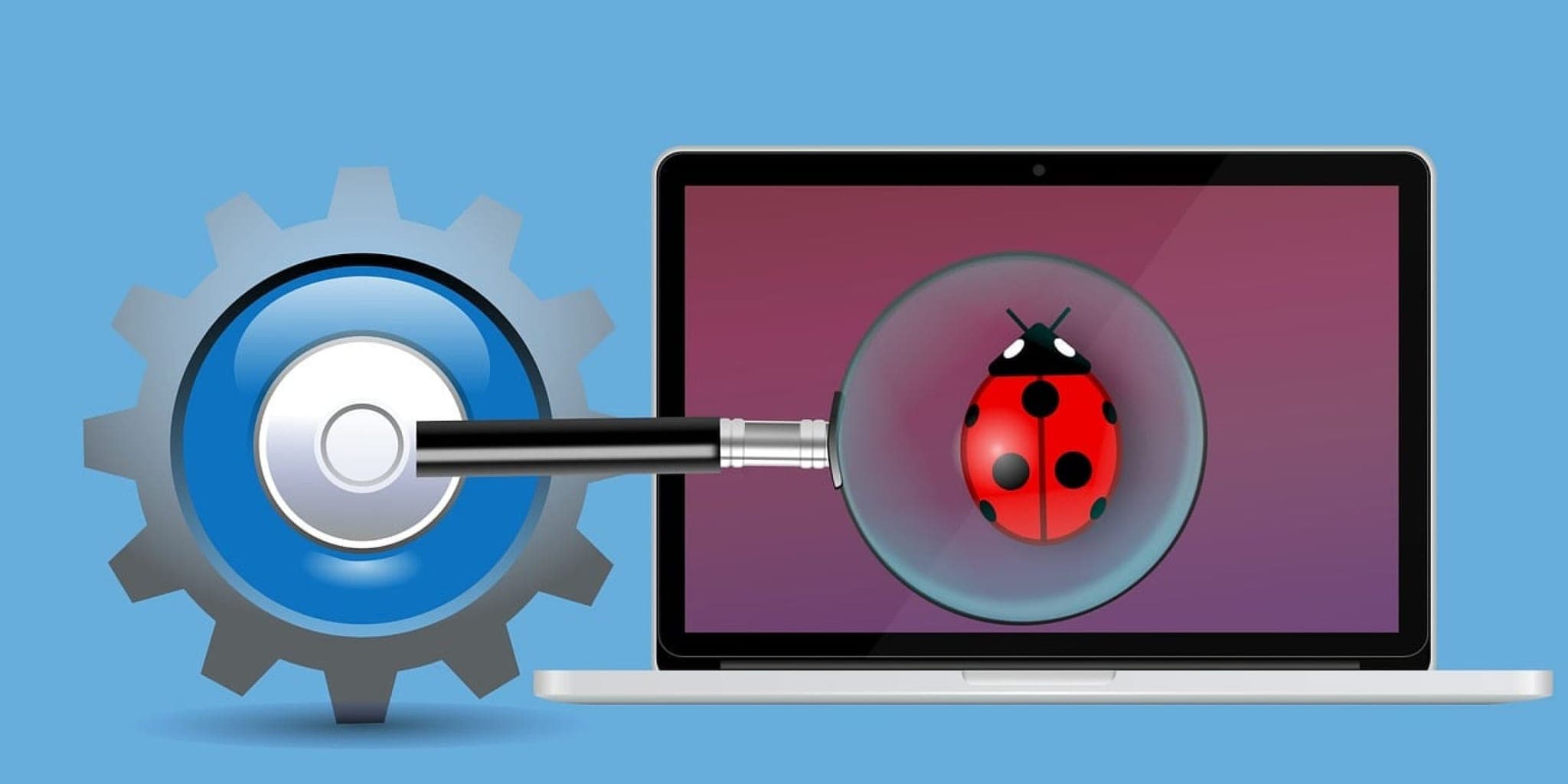
A Lambda function silently times out at 2 a.m. and your users see errors for 40 minutes before anyone notices. That's the scenario solid monitoring prevents. This post covers how to observe and debug Lambda functions using AWS CloudWatch and X-Ray, plus third-party options when native tooling isn't enough. We'll also share concrete tips for tracking down performance problems and errors when they do surface.
Understanding the Importance of Monitoring and Debugging Lambda Functions
Why Monitoring and Debugging are Crucial
- Ensuring Reliability. Monitoring catches issues before they reach users, keeping serverless applications stable.
- Optimizing Performance. Debugging lets you pinpoint bottlenecks and tighten the efficiency of your Lambda functions.
- Cost Optimization. Good monitoring surfaces unused resources and inefficient code, both of which translate directly to lower bills.
Challenges in Monitoring and Debugging Lambda Functions
- Lack of Visibility. Traditional monitoring tools often miss the per-invocation detail you need to diagnose Lambda issues.
- Distributed Nature. Serverless architectures spread a single request across many services, making tracing harder than in a monolith.
- Cold Starts. These add latency spikes that look like performance regressions and need their own tracking strategy.
Cloud-Native Monitoring and Debugging Tools
AWS CloudWatch
- Metrics: CloudWatch provides key metrics such as invocation count, duration, and error rates for Lambda functions.
- Logs: Lambda function logs are stored in CloudWatch Logs, enabling real-time monitoring and analysis of application behavior.
- Alarms and Notifications: Set up alarms to trigger notifications based on predefined thresholds, helping you proactively address issues.
AWS X-Ray
- Tracing: X-Ray enables end-to-end tracing of requests across distributed systems, including Lambda functions.
- Performance Insights: Gain insights into latency, error rates, and dependencies to optimize application performance.
- Debugging Tools: X-Ray provides tools for analyzing traces, identifying bottlenecks, and troubleshooting errors effectively.
Third-Party Solutions
Datadog
- Full-Stack Monitoring. Datadog pulls metrics, logs, and traces for Lambda functions into a single view.
- Custom Dashboards. Build dashboards to track function performance and catch trends before they become incidents.
- AWS Integration. Datadog connects directly with AWS services, so you get a single pane across your whole infrastructure.
New Relic
- Application Performance Monitoring (APM). New Relic's APM gives you transaction traces and error analytics for Lambda functions, not just aggregate metrics.
- Distributed Tracing. Follow a request across Lambda functions and downstream services to find where latency or failures originate.
- Alerting and Notifications. Configure alerts on degradation or error thresholds so your team knows before users start filing tickets.
Tips for Troubleshooting Performance Issues and Errors
- Enable Detailed Logging. Crank up log verbosity during a debugging session. More signal means faster diagnosis.
- Use CloudWatch Insights. Query your logs directly with CloudWatch Insights instead of scrolling through raw output. It cuts root-cause time significantly.
- Monitor Cold Starts. Track cold start duration as a separate metric. If it's hurting latency, provisioned concurrency is usually the right lever.
- Add Tracing. X-Ray lets you follow a request end to end across your distributed system and see exactly where time is being spent.
- Implement Retries and Circuit Breakers. Transient errors are a fact of life in distributed systems. Retry logic and circuit breakers keep a single flaky dependency from cascading into a full outage.
Conclusion
Most Lambda production incidents aren't mysterious. They show up clearly in metrics, logs, or traces — if you've set up the right instrumentation before something breaks. CloudWatch and X-Ray get you most of the way there with minimal setup. Datadog and New Relic make sense once you're running enough functions that correlating signals across services by hand becomes impractical. The teams we work with at Laxaar typically start instrumented from day one; retrofitting observability into a production system that's already on fire is a much harder problem.
Working on something like this?
Get a fixed scope, timeline, and price within one business day — no obligation.