The Save App | Bookmark your favorite photos, videos & links
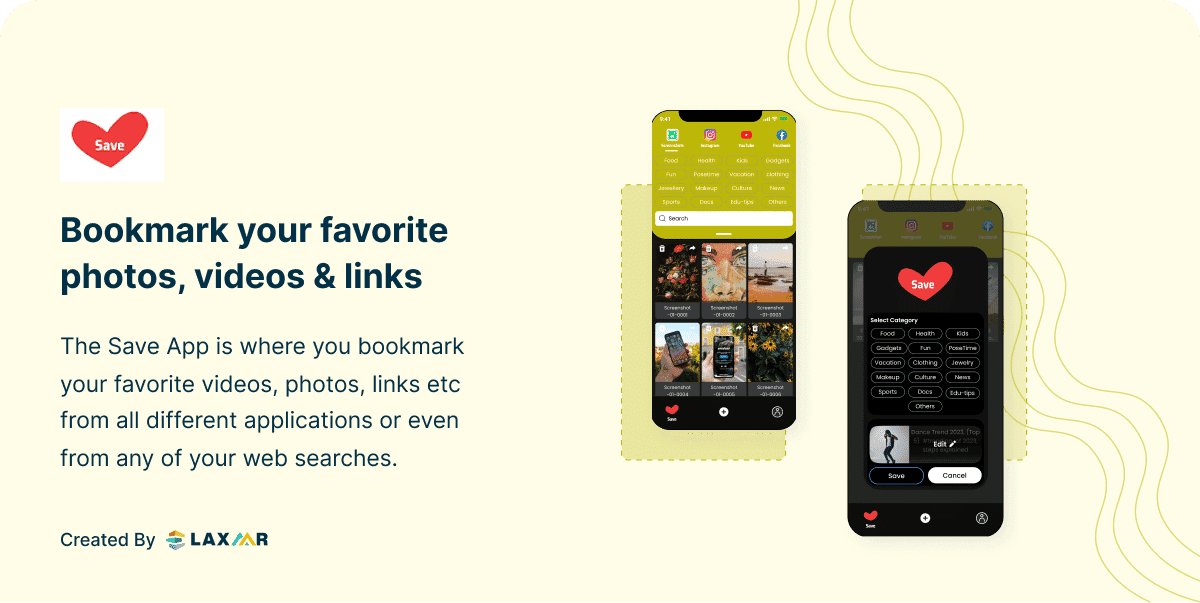
The Save App is a platform where all the users can store all their important links or images in one place. The vision behind this application is to provide the users with a one-stop platform to bookmark & manage all the required links & images.
The Challenge
The initial phase involved in-depth discussions with potential users to understand their needs and pain points around link and image management. Key considerations included the ability to store and organise links and images from various platforms, and to provide an intuitive and efficient user interface. Users needed a single place to collect content from Instagram, YouTube, Facebook, Twitter, Amazon, Flipkart, and other sources — without losing track of where things came from or hunting through an undifferentiated list to find them again.
What We Built
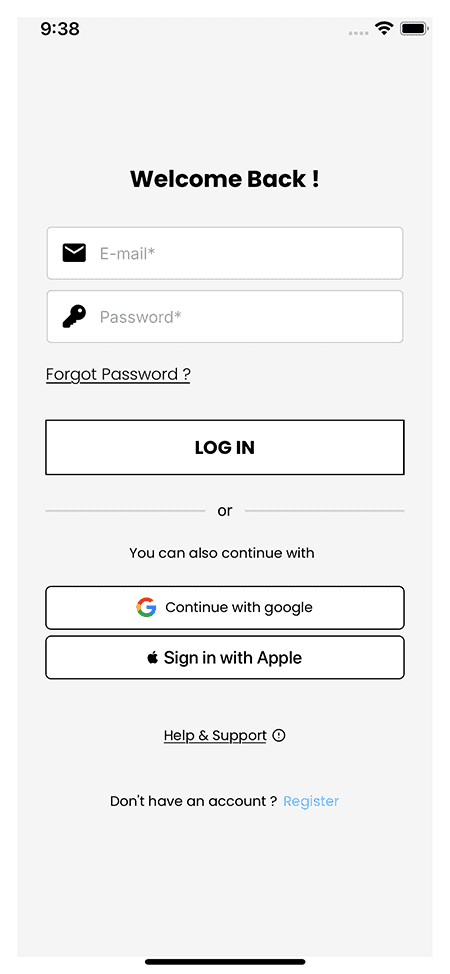
Application Design and User Interface
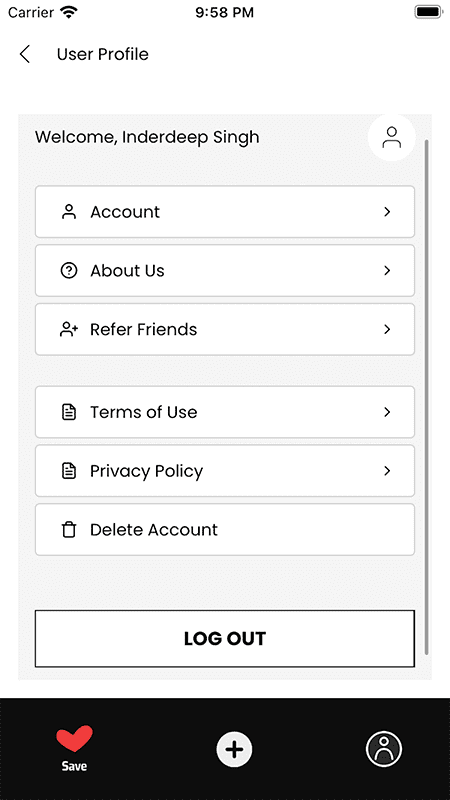
The interface is clean and visually straightforward, with easy navigation and clearly labelled functions. The focus was on a smooth experience for adding, organising, and accessing links and images — getting out of the way so users can find what they saved without friction.
Link Filtering and Categorization
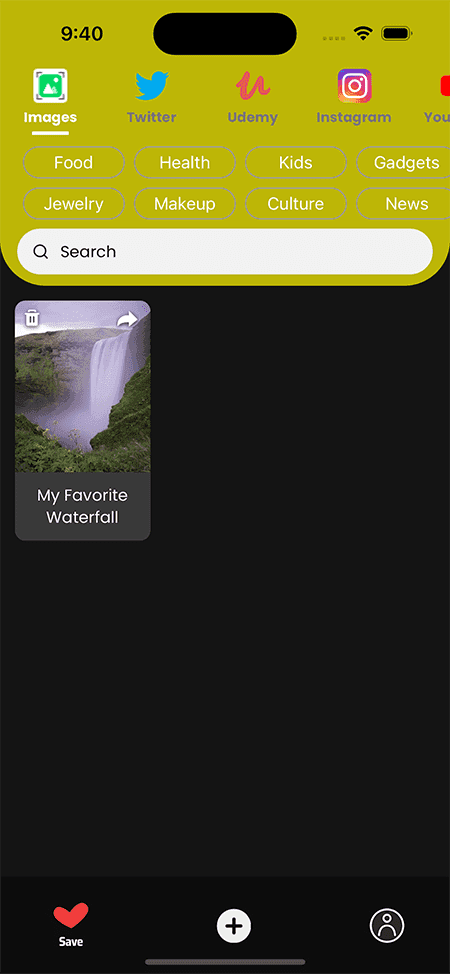
One of the key features is the ability to filter and categorize links based on their origin platform. The app detects the source of each link — Instagram, YouTube, Facebook, Twitter, Amazon, Flipkart, and more — so users can find and access saved links by the platform they came from, without manually tagging everything.
Link Copying and Saving
The app lets users save links from various platforms by copying them directly from articles, posts, videos, or other sources. The app automatically detects the copied link and prompts the user to add it to their collection — cutting down the steps needed to bookmark content for future reference.
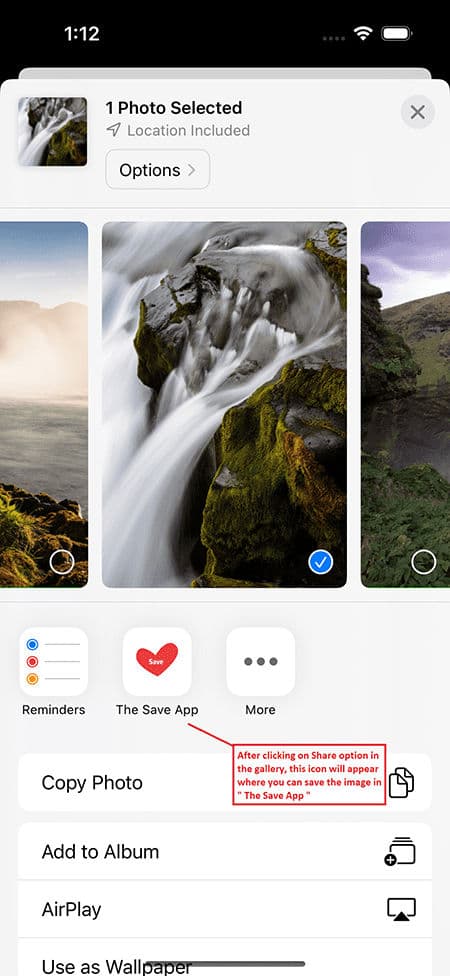
Image Storage and Organization
In addition to links, users can save and organise images from image URLs, device galleries, or social media platforms. Relevant tags or labels can be added to images for easy retrieval later.
Cross-Platform Integration
Users can access their saved links and images across smartphones, tablets, and desktops without friction. Data syncs in real time, so changes made on one device show up immediately on all others.
Search and Filtering Functionality
Users can search by keyword or tag to locate content quickly. Additional filters by category, date, or tag offer further ways to organise and access saved links and images.
User Feedback and Iterative Improvements
Throughout development, user feedback was actively gathered to find areas for improvement. Regular updates and bug fixes went out based on user suggestions and reported issues, keeping the app aligned with how users actually worked.
The Result
Building The Save App came down to three things: understanding what users actually struggled with around link and image management, designing an interface that got out of the way, and shipping features — source-aware link filtering, image storage, cross-platform sync — that covered the real use cases. The iterative release cycle was what made the difference between a good idea and a platform people kept coming back to.